Overview
FlashDreams runs a growing family of world and video models (text-to-video, image-to-video, camera-controlled, ...). Model overviews identify currently supported models.
Running a model
All models run via our flashdreams-run-v2 CLI command
cd flashdreams

# Almost all models download their own model weights from Hugging Face, please set `HF_TOKEN` to avoid rate limiting.
export HF_TOKEN=<your-hugging-face-token>

uv run flashdreams-run-v2 <Demo Preset> <System Arguments> -- <Demo Arguments>
-
<Demo Preset>is a preset that contains the model/demo pair to run. Refer to the model-overviews below to find a preset. -
<System Arguments>are arguments that apply to allflashdreams-run-v2demos, reference is here: System arguments. -
<Demo Arguments>are arguments that apply to a particular demo. Refer to a particular demo overview.
Models - Streaming and autoregressive
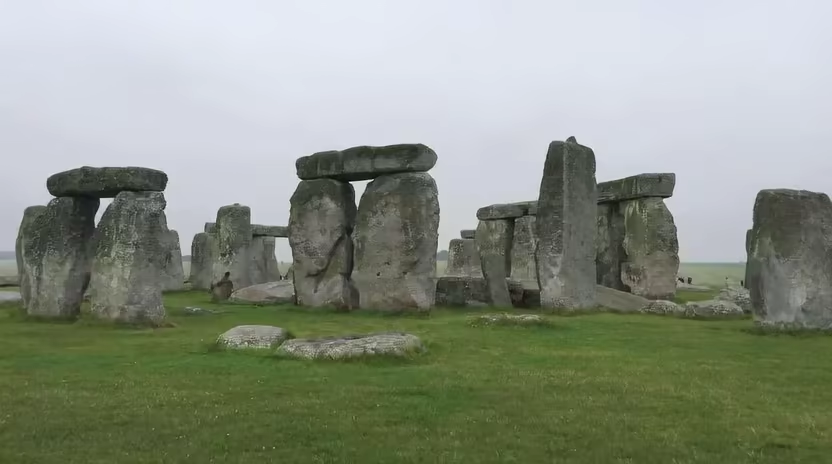
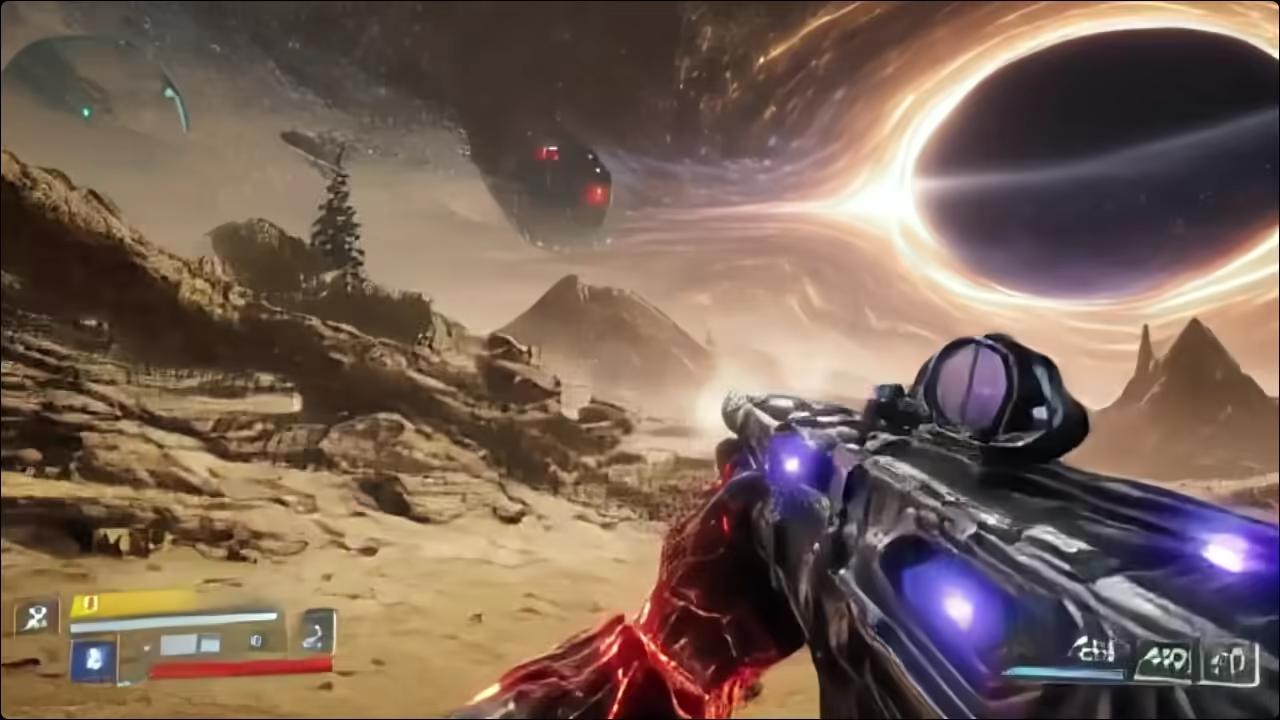
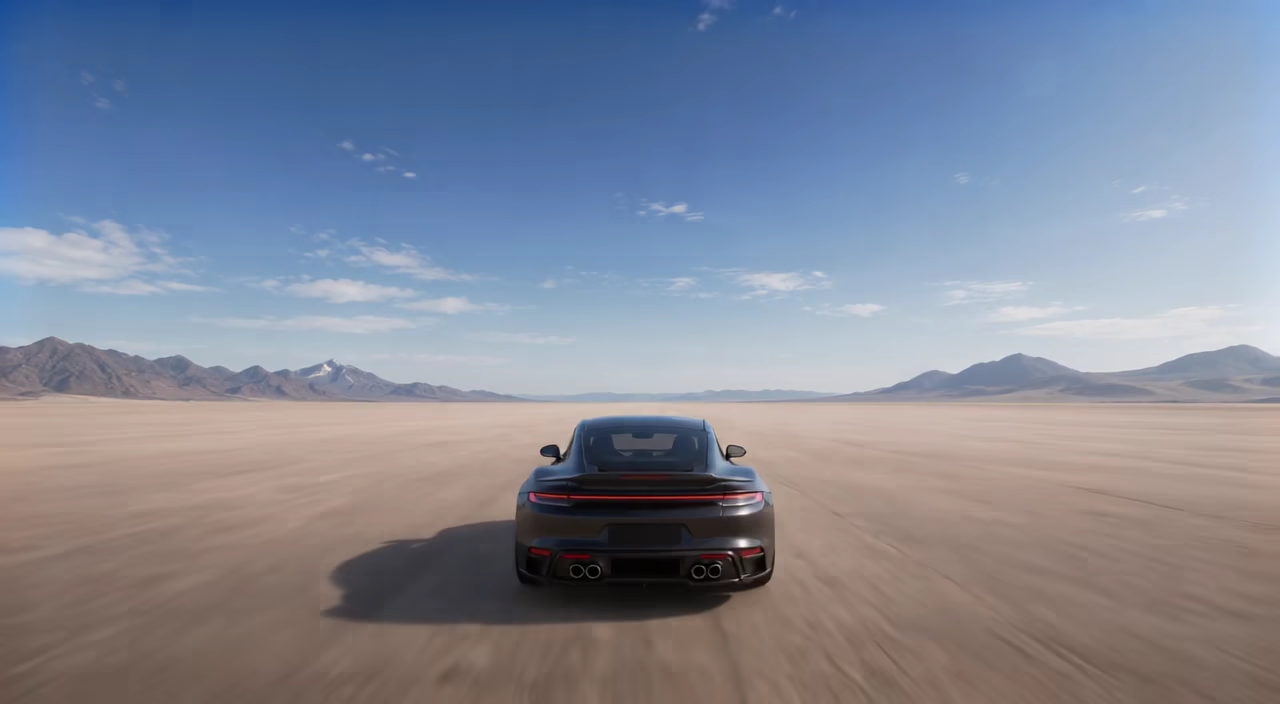
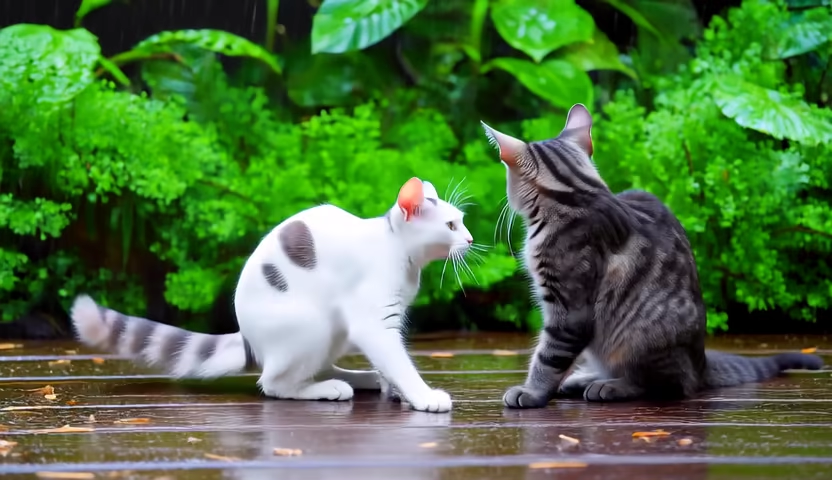
These models advance a video or world incrementally for responsive, stateful generation.
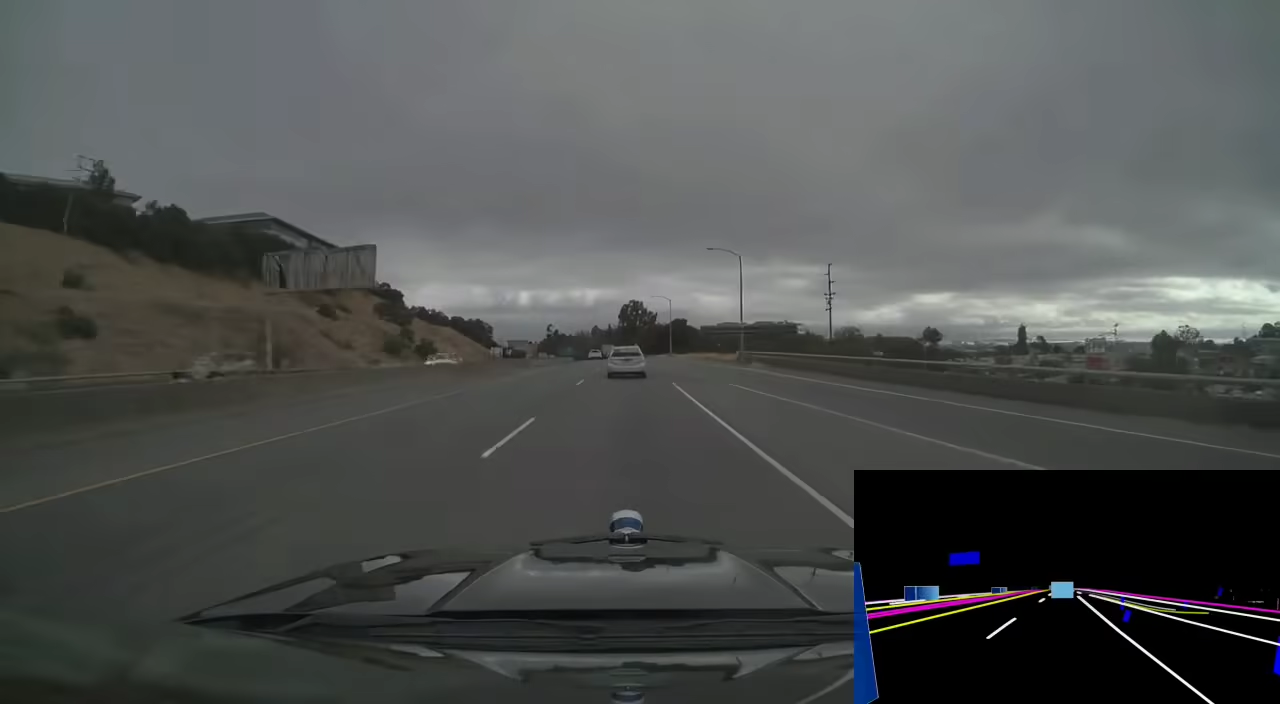
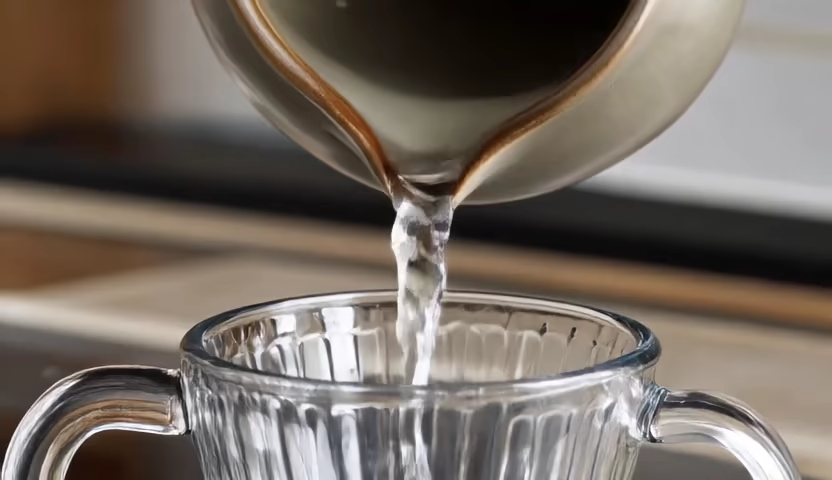
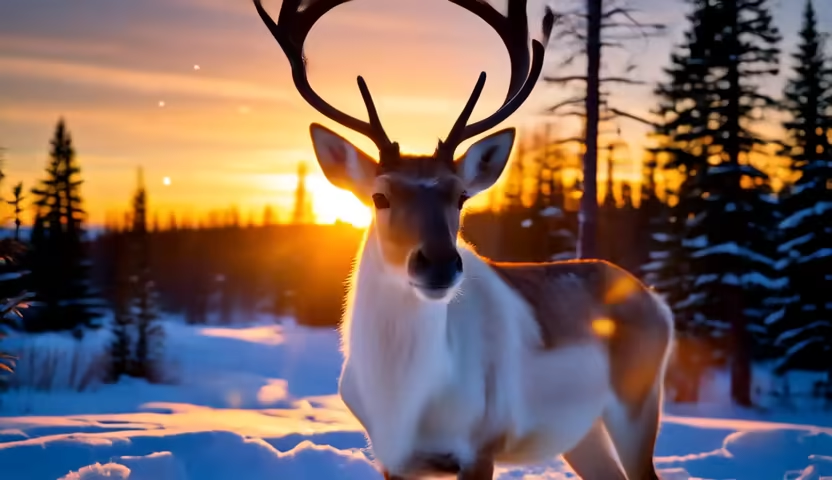
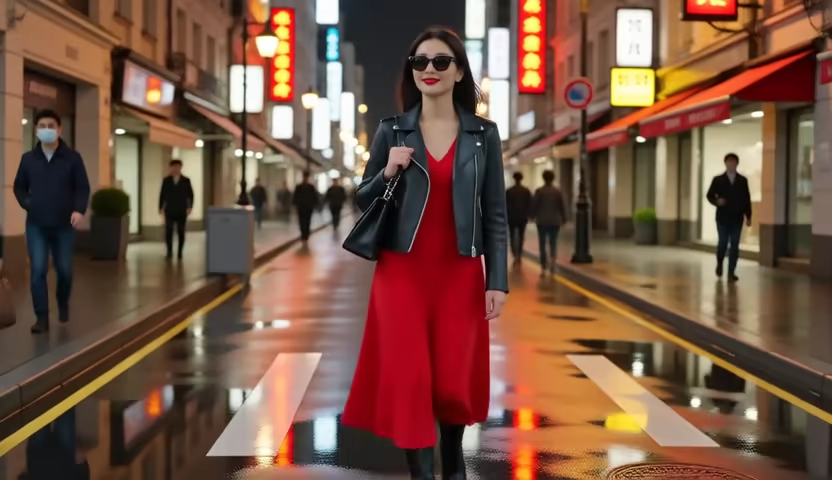
Models - Bidirectional generation
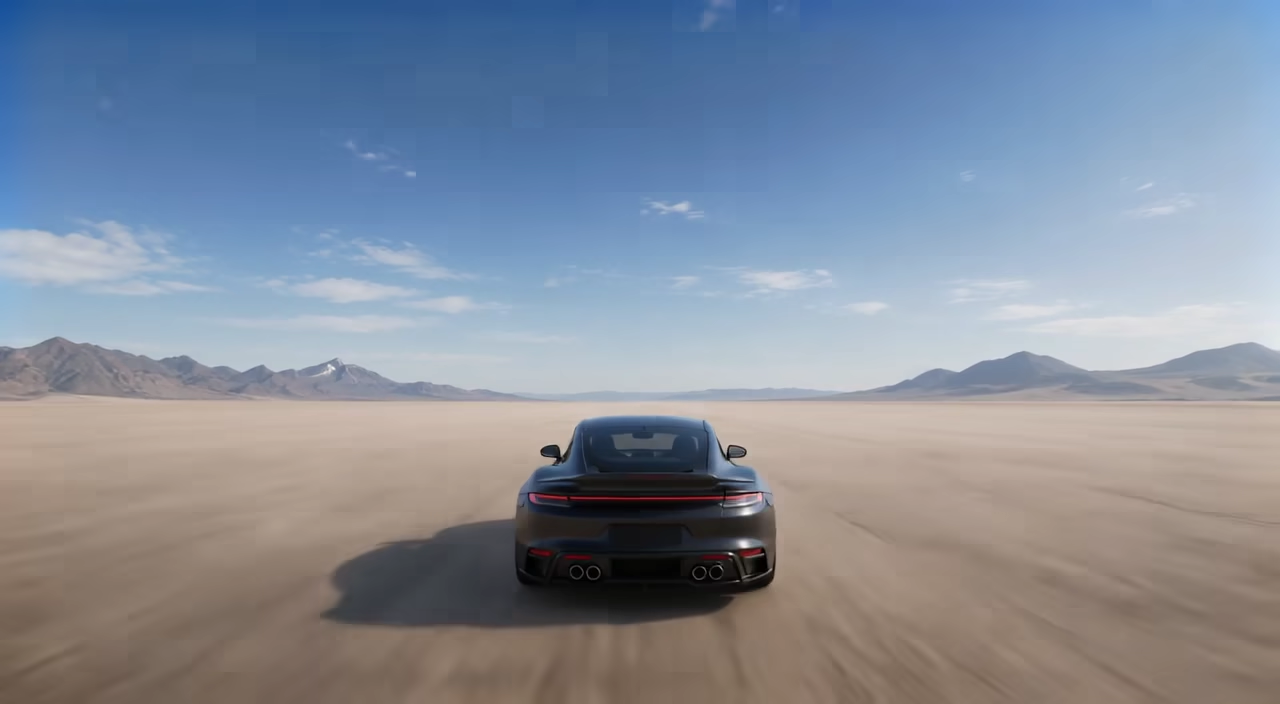
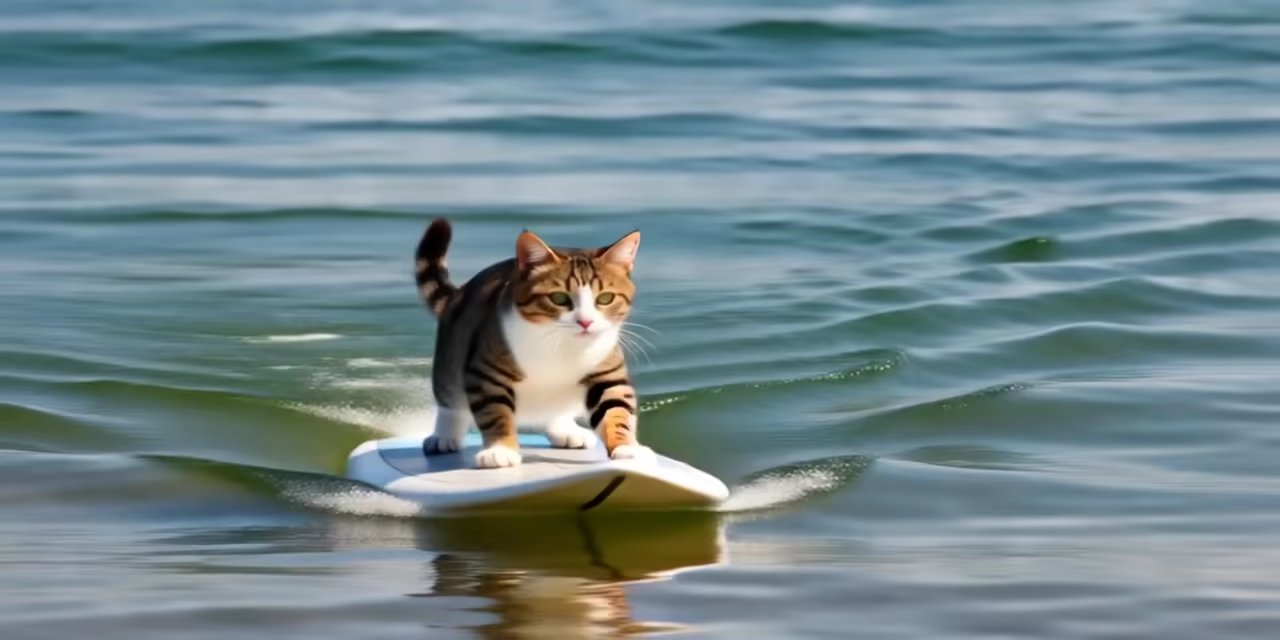
These models render a complete clip in one pass and provide full-sequence reference implementations.
Models - Upscaling and restoration
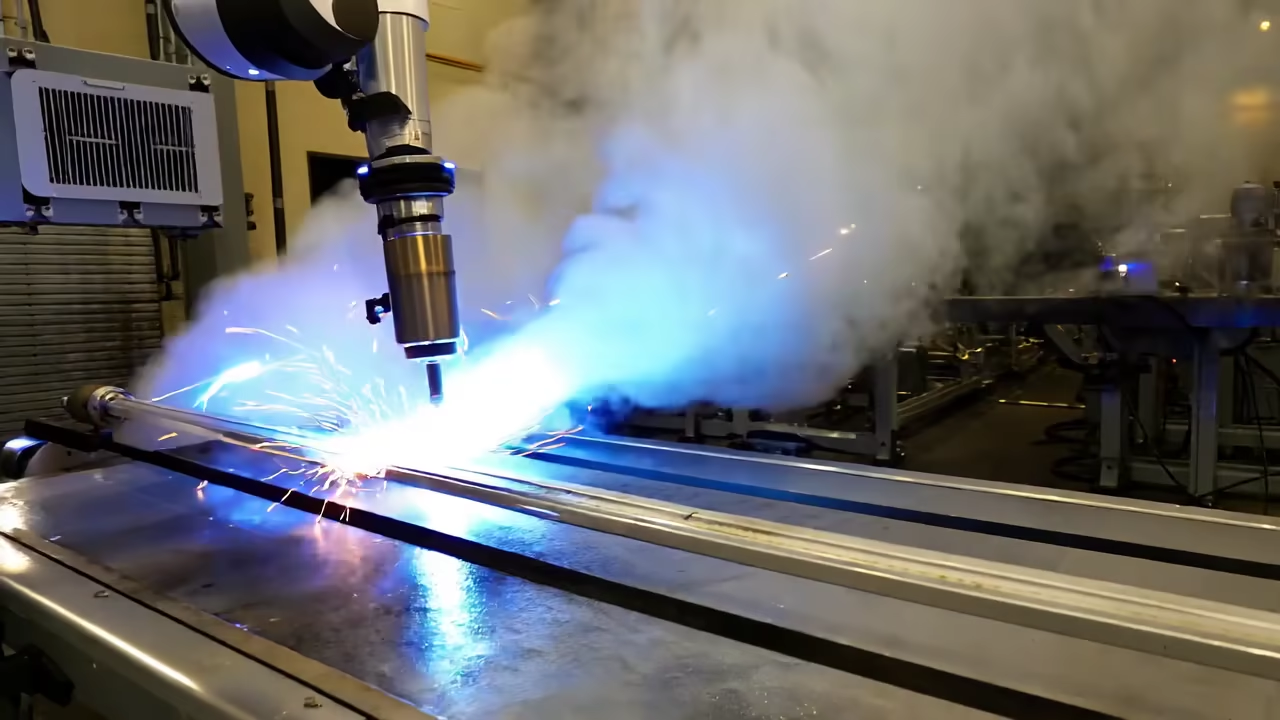
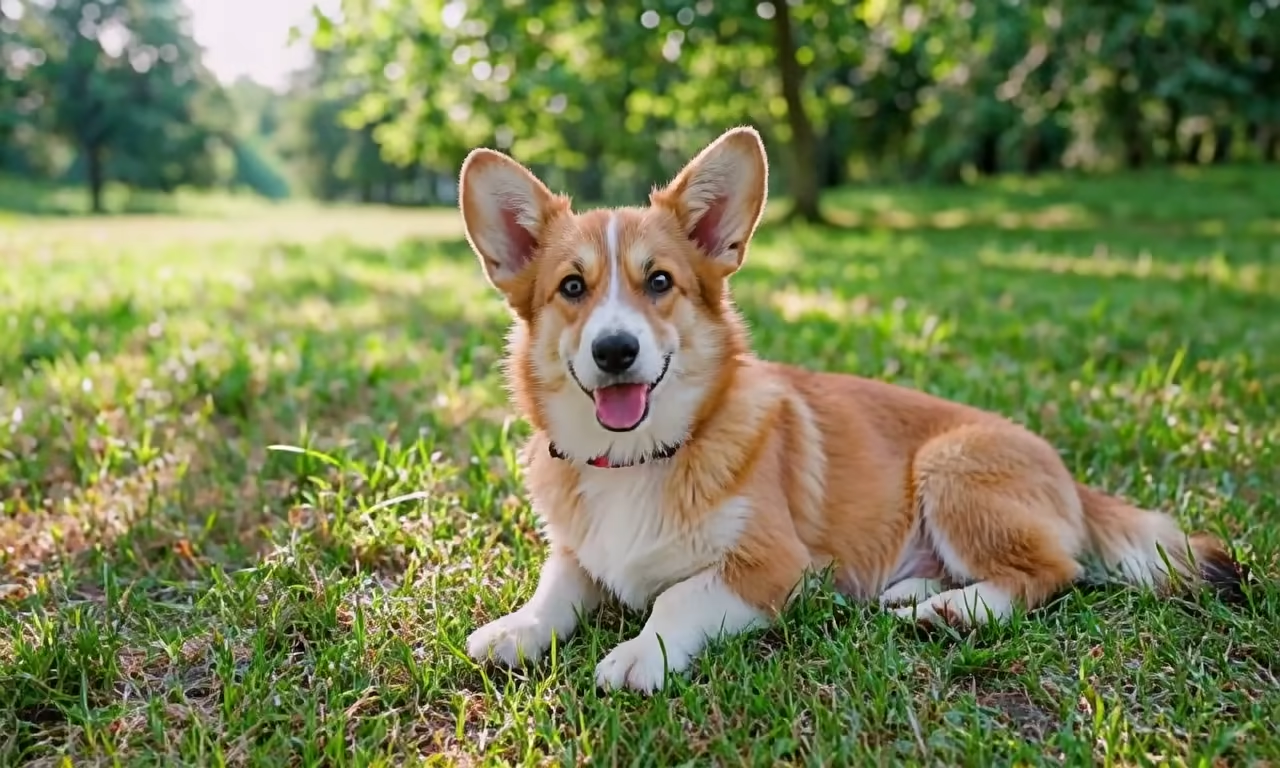
These models enhance an existing video stream rather than generating a scene from scratch.
Adding your own model
Follow Create a model for the model package, then Integrate model adapter for a demo to register a runnable application.
Related
- Follow Get Started for the shortest path to running a model on your own hardware.
- The API guides cover the architecture behind the models you can run today.
- Community lists the channels to use if a process on this page does not run on your hardware.
- Browse the source on GitHub at NVIDIA/flashdreams.