Cam2V
Cam2V is an interactive FlashDreams v2 camera-to-video application. It turns keyboard camera controls, a prompt, and model-specific starting inputs into a long-running generated view.
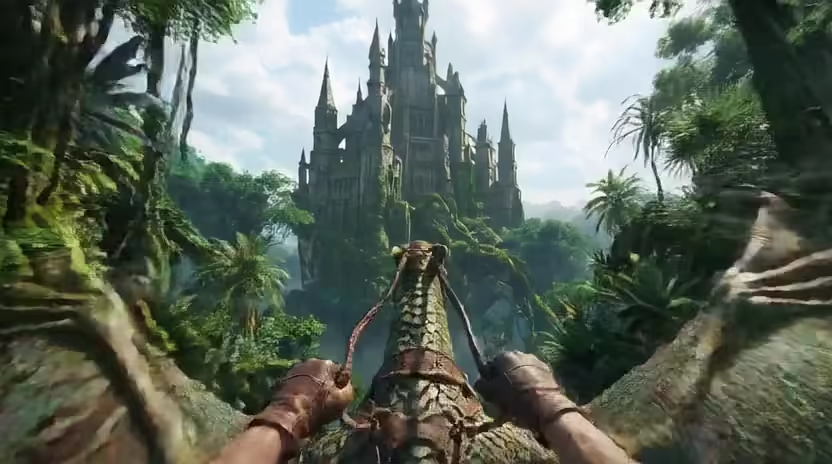
Quick Start:
Controls
| Keys | Action |
|---|---|
W / S, Up / Down |
Move forward / backward. |
A / D, J / L |
Yaw left / right. |
Q / E |
Strafe left / right. |
I / K |
Pitch up / down. |
Losing browser focus clears held keys. Presentation pacing includes optional post-processing; model-only timing remains separate.
Demo Arguments
| Argument | Description |
|---|---|
--prompt TEXT, --prompt-path PATH |
Set the text prompt directly or from a file. |
--image-path PATH |
Set the first frame. |
--pose-path PATH |
Set a pose trace used by the model adapter. |
--intrinsic-path PATH |
Set camera calibration. |
--world-scale FLOAT |
Set the camera-motion scale. |
--example-data, --no-example-data |
Enable or disable packaged/example inputs. |
--example-idx INT |
Select an example input. |
--device DEVICE |
Select the model device. |
--total-blocks INT |
Stop after this many autoregressive chunks. |
--warmup-blocks INT |
Set chunks excluded from steady-state FPS. |
--ui, --no-ui |
Enable or disable the controls/status overlay. |
--compile, --no-compile |
Enable or disable model compilation. |
--postprocess-preset NAME |
Select an installed generated-video post-processing preset. |
--postprocess-chunk-size {8,16} |
Set the steady post-processing window. Default: 8. |
--postprocess-compile, --no-postprocess-compile |
Enable or disable postprocessor compilation. |
--postprocess-comparison-ui, --no-postprocess-comparison-ui |
Show synchronized original and post-processed panes. |
--seed INT |
Override the diffusion seed. |
Post-processing comparison
With a postprocessor configured, --postprocess-comparison-ui shows the
original video on the left and the post-processed video on the right:
uv run --no-sync flashdreams-run-v2 DEMO_MODEL_SLUG \
  --mode webrtc --host 0.0.0.0 --port 8089 -- \
  --postprocess-preset PRESET --postprocess-comparison-ui
The mode requires the UI and a frame-preserving postprocessor. It doubles the delivered video width and may increase encoding and transfer cost.
Model-free demo
Exercise the Cam2V UI without loading a model:
uv run --no-sync flashdreams-run-v2 cam2v-dummy --mode webrtc \
  --host 0.0.0.0 --port 8089 -- \
  --step-wait-seconds 0.9 --frames-per-chunk 12
Tests
uv run --no-sync pytest apps/cam2v/tests -m ci_cpu